Samsung Keys Cafe is getting an issue related to the shadow effect in keyboard which is annoying the users. The error is related to the user interface.
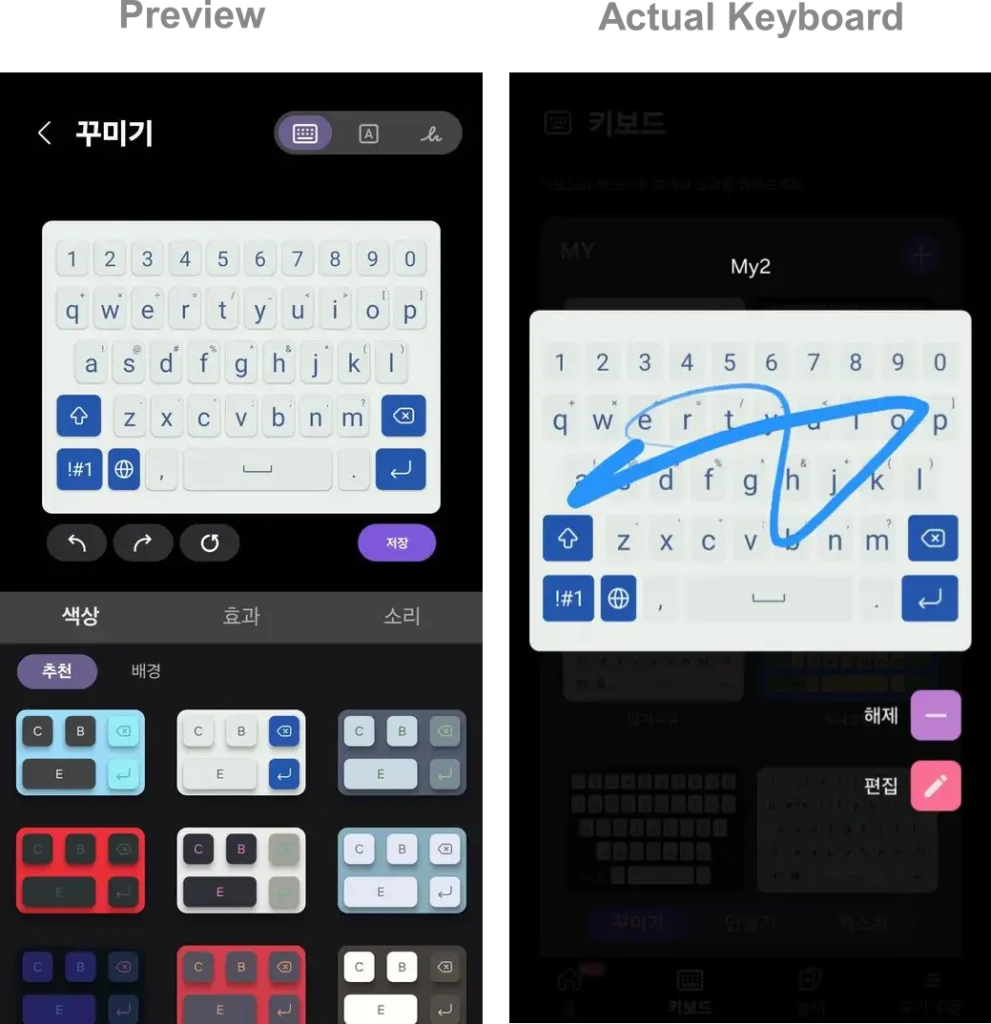
A user on Samsung community has complained that when it customizes the keyboard via keys cafe in different desired format which is given by Samsung default, it doesn’t get the shadow effect which is displayed in the preview window.
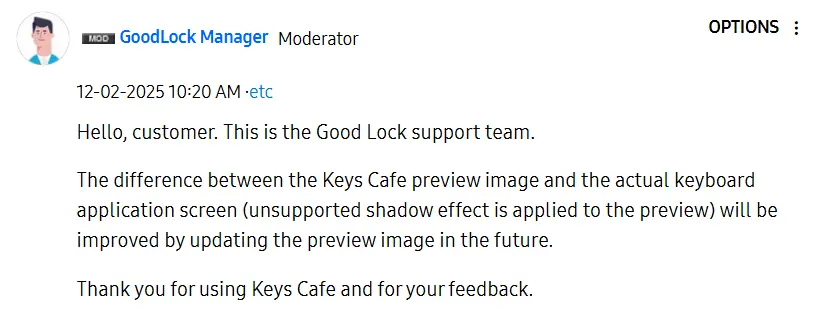
In response to the complaint, the Samsung representative said that the preview image and the actual keyboard application screen are different and will fix this issue in the next update. In conclusion, the issue is related to the wrong preview.
Apart from this, another user has also complained about the footprint setting, which is not working as it should be. The user reported that when the ” “keys cafe leaving footprints” setting was applied, it started working as usual, but after some time, it automatically set back to default which makes it very annoying.
The Samsung Good Lock team has acknowledged this as well and said that it will provide the fix in the future Keys Cafe update. So if you are also getting these issues on your devices than you have to wait for the updates, which will be available in the next few days.
For starters, Samsung’s Good Lock app offers many customization modules for the different elements of the Galaxy devices. The Keys Cafe is also one of them, which provides different customization features for your keyboard.