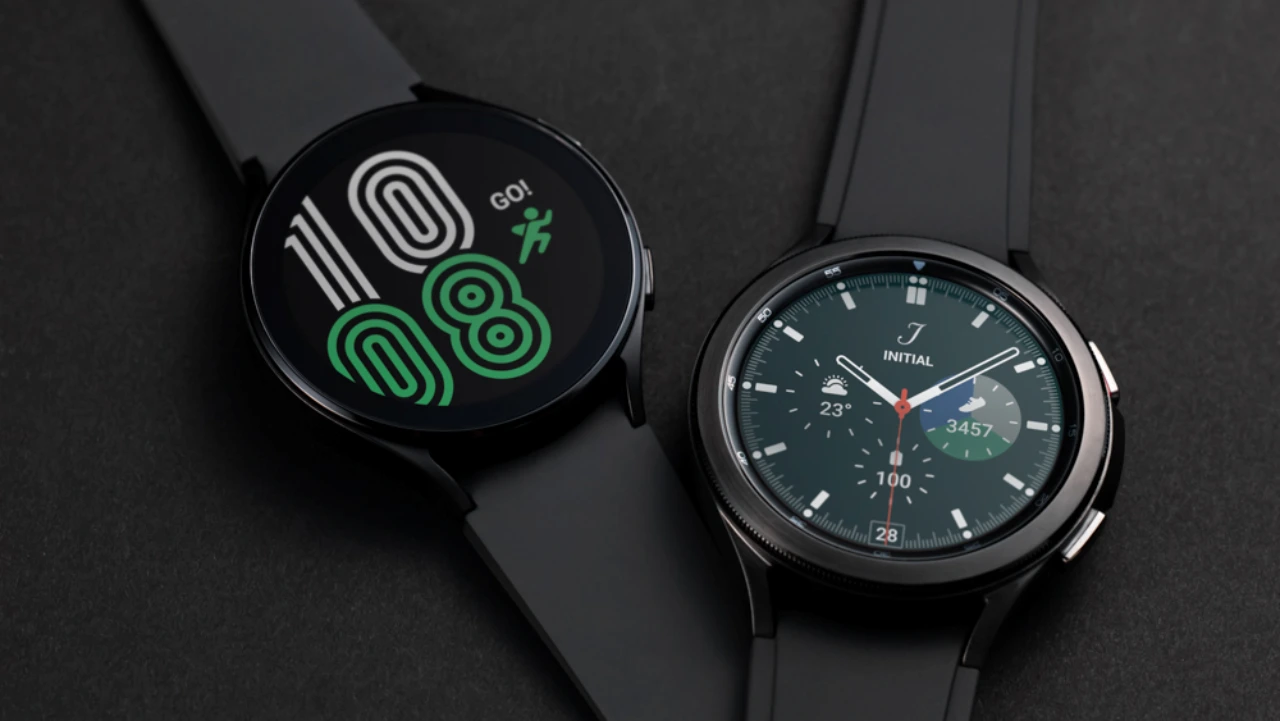
Good news for the Galaxy Watch4 and Watch4 Classic users, as today the brand released the Wear OS 6-based One UI 8 Watch upgrade. Now users of the Galaxy Watch4 series can experience the features of the One UI 8 Watch.
As of publishing, the fresh major upgrade is currently spotted in South Korea on both Wi-Fi and LTE variants of these watches. The One UI 8 Watch can be identified with build versions R870XXU1JYK4 and R880XXU1JYK4 for the Watch4 and Watch4 Classic. Meanwhile, cellular models are receiving it with versions R875NKOU1EYK4 and R885NKOU1EYK4.
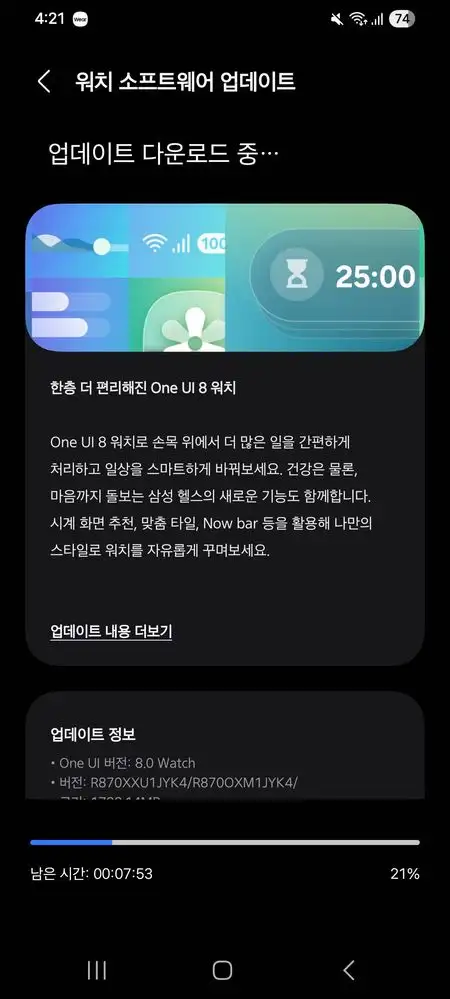
In other regions, the update is expected to arrive in the next few days. The update is rolling out in batches, and the download size of its OTA firmware is around 1 GB.
One UI 8 Watch changelog for the Galaxy Watch4
Efficient Task and Schedule Management:
Quickly check important tasks with the Now bar.
Get the information you need right from the watch face and launch essential features right away. The Now bar at the bottom of the watch face displays the current task at hand.Double-tap to perform more actions:
Double-tap your thumb and index finger to view notifications, control music, take photos, and more. You can customize actions for alarms, calendars, and reminders, as well as the watch face and music controller. Customize the actions you use most frequently for each situation.Mark important reminders:
Tap the star icon to mark them as important. You can also pin important reminders to the top so you don’t forget them.Receive reminders at specific locations:
You can now set location-based reminders on your watch. Receive reminders like recycling when you get home.The new charging screen
has a new layout and animation. Check the battery status and remaining charge time more easily while charging your watch.Stay connected
and respond to
notifications more easily with gestures. Double-tap your thumb and index finger to view or reply to notifications without having to tap the screen, and shake your wrist to instantly return to the watch screen.Improved Notification Screen:
Experience a new and easier way to see notifications on your watch. When you receive multiple notifications from the same app, you can now expand and view overlapping notifications, making it easier to see the details of each notification.Smarter Notification Settings:
Easily configure how you receive phone notifications on your watch. Select “Receive notifications smartly” to receive notifications only on your phone when you’re using your phone, but not on your watch. Select “Receive on both devices” to receive notifications on both your phone and watch.Upgraded Health Management: Get the optimal
bedtime recommendation for tomorrow
and start the next day feeling more refreshed. The new Bedtime Guide analyzes your sleep data to recommend the optimal bedtime each night.Mindfulness in Everyday Life:
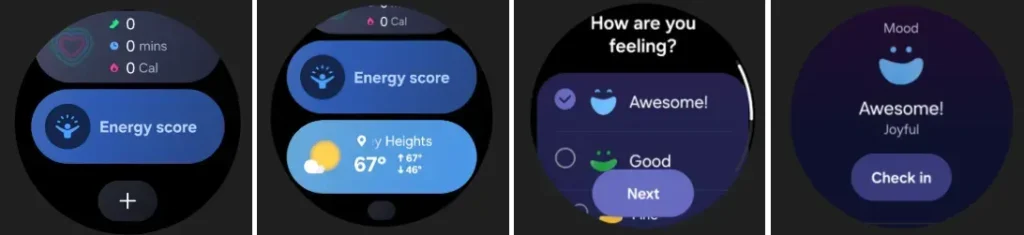
Manage everyday stress and anxiety with Samsung Health’s new mindfulness feature. Record your emotions and moods and calm your body and mind with breathing exercises.Personalized User Experience:
New Watch Faces:
Easily find the watch face style you want. Select keywords like your preferred style, color, and information, and Samsung Health will find a watch face you like from over 300 watch faces.Watch Face Recommendations:
Based on the color, style, and information of your current watch face, Samsung Health recommends new watch faces with a fresh feel.Create Your Own Tiles:
Create your own tiles by combining the information you need. You can even create a single tile for information from different apps, such as weather information, calendar events, and reminders, so you can see them all at once.Customized Apps Screen
: Find the apps you need faster and easier. Recommended apps are automatically displayed at the top of the Apps screen based on analysis of your app usage frequency and patterns. Additionally, the Apps screen can be configured in a grid-style with icons or a list-style with app names.Display Your Desired Calendars on Your Watch
: You can set the watch calendar to display only events from specific calendars.
The update adds many features to the Watch4, including Now Bar, featuring Tiles pages, multiple widgets, and more, along with a new UI redesign. On the improvements and effects side, it comes with new charging effects, notifications view improvement, and new app drawer listing options.
Moreover, the Galaxy Watch5 and 6 already received the One UI 8 Watch stable version. The Watch5 and Watch6 series received the One UI 8 Watch beta program last month, but the Watch4 gets directly the stable version of the update.