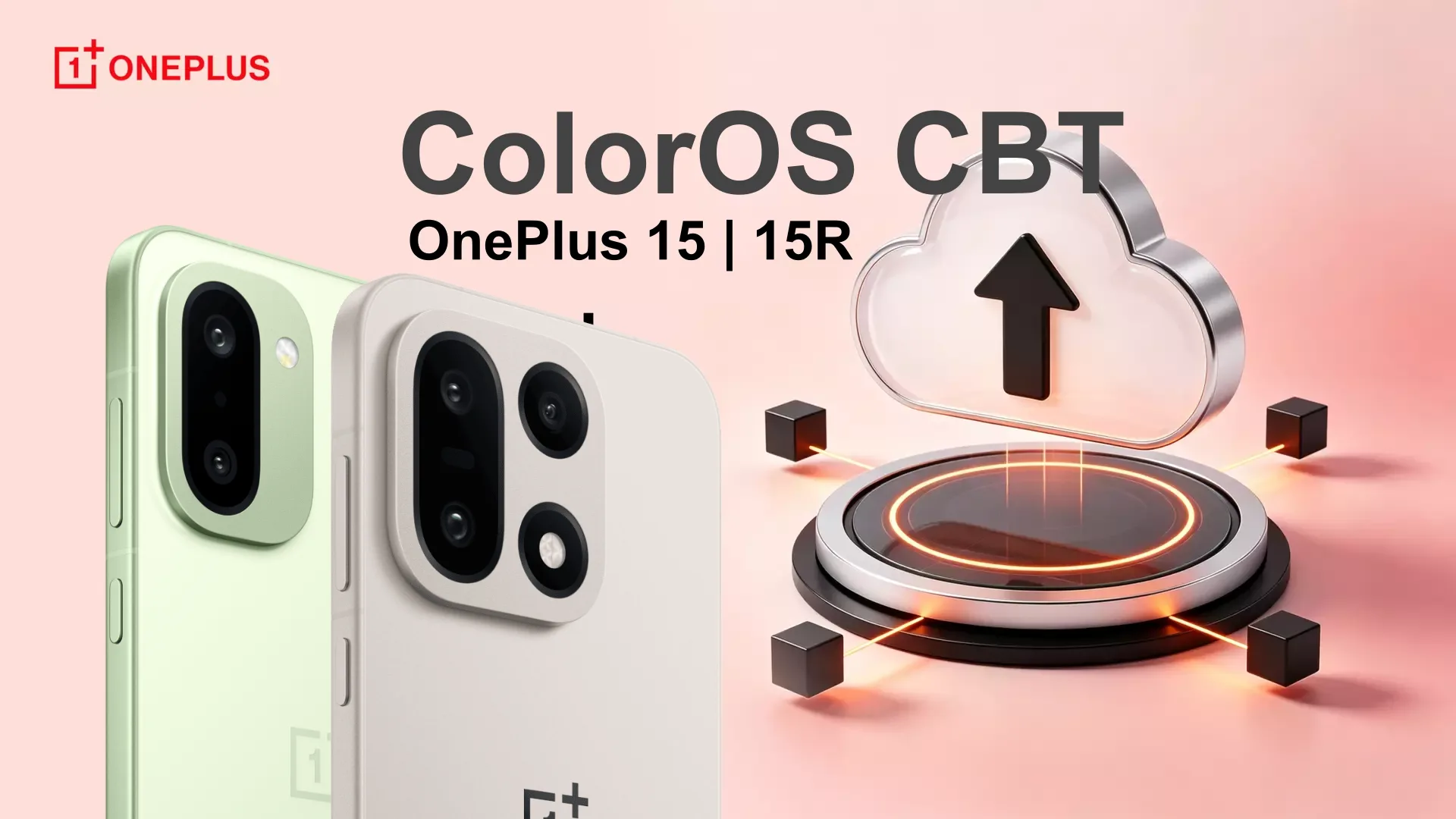
OnePlus just announced the Android 17-based ColorOS 17 closed beta test program for the OnePlus 15 and OnePlus 15R. The program is currently limited to Indian users of both devices.
Notably, the beta program quota is limited to 300 users, so be quick if you want to experience the Android 17-based ColorOS 17 ahead of its official release.
According to the official post, the brand-new ColorOS update for the OnePlus devices is designed to be faster, smoother, and smarter. The software is set to bring performance improvements and deeper intelligence.
How to apply and download ColorOS 17 CBT
Eligibility
Ahead of applying for the beta program, users must be eligible for this software testing program. Check the officially required eligibility criteria below.
- You’re using the OnePlus 15 India variant.
- You’re a registered member of the OnePlus Community.
- You’re ready to communicate regularly and report issues/suggestions via the OS Testing App.
- You need to sign the confidentiality agreement completely, including a handwritten signature.
- You’re willing to join our CBT Telegram group for ongoing interaction with the OnePlus team and other users.
- If you don’t receive the SMS message of the group invitation, please contact one of the following administrators and provide a screenshot of your IMEI number and software version. After successful verification, the administrator will invite you to join our Telegram group.
Important Note:
Participants in the Closed Beta Testing (CBT) must adhere to strict confidentiality guidelines to prevent information leaks:
- Do not share any details of the application/software interface, icons, wallpapers, functions, fonts, version numbers, update instructions, system interfaces, code, text messages, or official communication group information (including group numbers, chat records and announcements) on any third-party platforms or authorize others to view or use this information.
- Do not install benchmarking software for testing or share it on social media channels, groups or the Community.
- Do not share system upgrade packages or any part of the CBT software with others.
- Do not capture or record information and interfaces related to the CBT version using other devices.
- After upgrading, Experience Improvement Programs and Auto Update Overnight will be enabled automatically. Please register only if you are comfortable with this.
How to apply
We’ve streamlined the CBT recruitment process for your convenience. Please follow these steps to apply:
Application Period: August 6th to August 7th. Applications will not be accepted after this period.
Quota: 300 users.
Ensure your device is updated to one of the following versions:
- CPH2745_16.0.9.400(EX01)
To check your version:
- Go to Settings > About device.
- Tap Up to date.
- Tap the icon in the top-right corner.
- Select Beta program and follow the steps to apply.
Download Instructions (Post-Approval)
- Go to Settings > About device.
- Tap Download Now.
Review Status
There are four possible review statuses after registration:
To be Answered
Sign up for the CBT activity and complete the questionnaire.
Pending Review
There are three possible scenarios:
- If your interface displays Pending Review after completing the questionnaire, please wait patiently while your application is reviewed.
- If your interface displays Join Chat, please join the beta testing group within the specified time.
- If you’ve completed all registration steps and still see Pending Review, please wait for the final review.
Review Passed
Your application has been approved. Back up your data in advance and wait for the beta version to be pushed to your device.
Review Failure
Your application was not approved.
Keep in mind the early beta software brings brand new features, functions, optimizations, improvements, fixes, and more, but these updates also bring lots of bugs and issues. It is suggested that users use their secondary phones to try the beta software, or they can wait for the stable version rollout.
No more OxygenOS updates
OnePlus and Realme are both now shifting from their custom UI skins to ColorOS to reduce software update delays and multiple OS development teams’ workloads to offer the best user experience.